Lens Proof Check
Changelog
Updates to the browser validator, listed newest first.
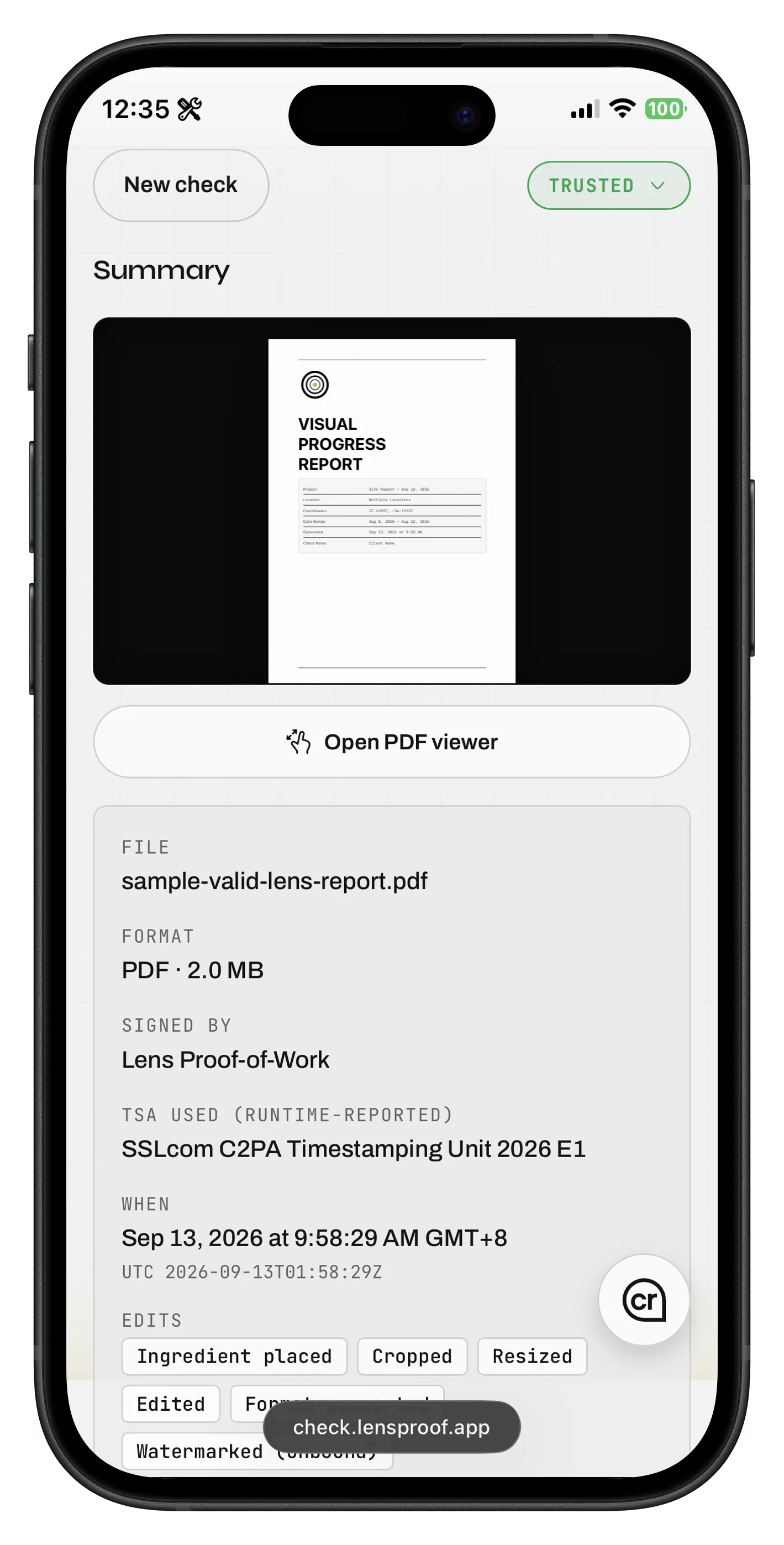
Lens Proof Check shows when evidence was recorded in your local time and UTC, identifies the reported timestamp authority, and gives mobile review a clearer workspace.
Jump directly from map location cards to matching nodes in the Interactive Provenance Tree, inspect camera differences across sources, and switch map styles with a unified toolbar.
Distinguish repeated ingredients with clear source position badges and explore GPS locations on a steadier Metadata & Map tab.
Inspect a Lens-signed PDF sample with seven nested ingredients, toggle card sections with Option / Alt double-press, and enjoy cleaner overlays.
Jump interactively from Summary findings to exact crJSON evidence lines, even when manifests contain repeated values.
Skip duplicate files automatically during drag-and-drop ingestion, inspect context-aware publisher disclaimers, and view mobile header layout fixes.
Identify AI-generated media instantly with canvas badges, review human edit history insights, and understand publisher signatures.
Audit signer trust with full certificate details, inspect browser runtime evidence limits, and download raw crJSON files.
Preserve diagnostic evidence when credentials cannot be fully read, explain browser runtime limits, and distinguish unavailable rubrics.
Explore five evidence spokes on provenance cards, jump to exact crJSON lines, and copy report metadata with one click.
Inspect and configure live OCSP certificate revocation checks before uploading media, backed by clear offline privacy disclosures.
Enjoy consistent interactive tooltips across mobile and desktop workspaces alongside widened provenance card layouts.
Assess node health instantly with status indicators on provenance cards, toggle canvas grid lines, and enjoy sharper vector rendering.
Jump directly from provenance spokes to the exact line of raw crJSON evidence behind every signature, action, and assertion.
Inspect Content Credentials, digital signatures, and asset provenance entirely in your browser without uploading files or creating an account.